
Nexto on a device in your own office
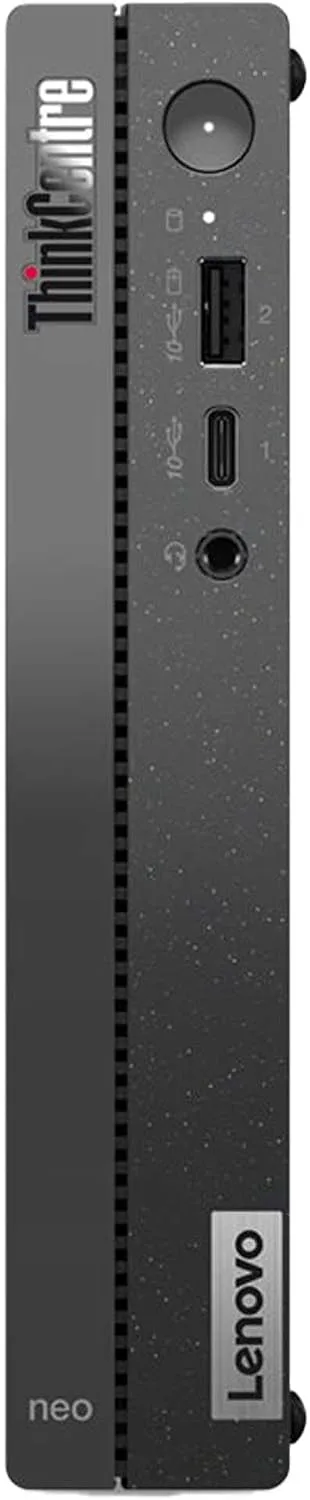
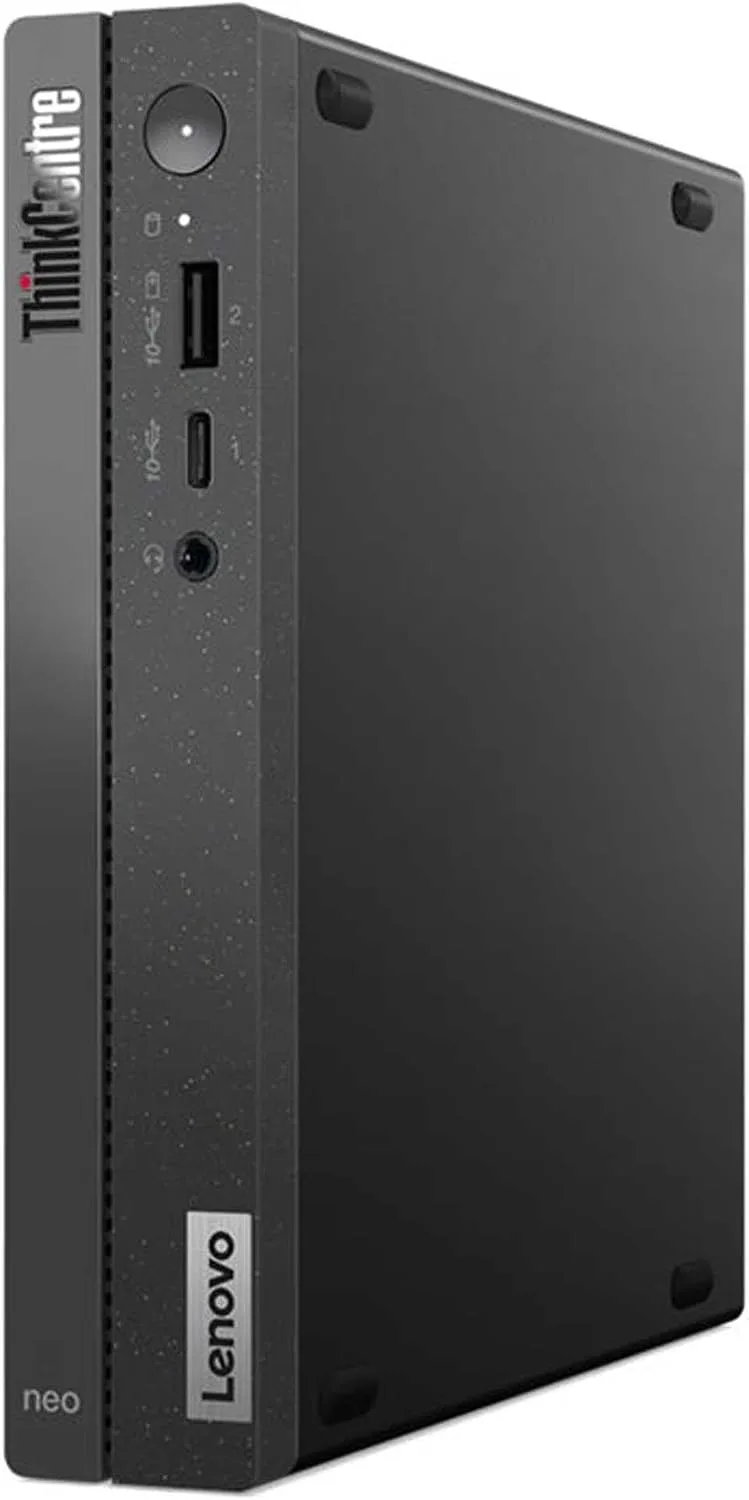
Nexto Box is a mini PC with Nexto installed and ready to use. It stays in your office, the exchange office's data is stored only on this device, and office users connect to it over the local network with a browser — even when the internet is down.
This option is for exchange offices that, for whatever reason, do not want their data on any server outside the office. In return, maintaining the device, the network and backups is up to you. Before deciding, read the “Know before you buy” section in full.
Know before you buy
The box is the same Nexto, but the work we do quietly in Nexto Cloud becomes your responsibility here. We write these down honestly so you are not caught by surprise after buying.
Device maintenance is on you
The device must stay on at all times, behind a UPS, in a cool and secure place. A power cut, flooding, fire or a break-in at the office means the software stops working, and your data is only as safe as the latest backup you keep off the device.
Backups are entirely in your hands
Automatic backups are taken to a separate hard drive or USB flash drive, but checking that they are intact, replacing the drive and keeping a copy outside the office are up to you. We have no copy of your data; if there is no backup, lost data cannot be recovered.
Working from outside the office is not simple
For access from home or while travelling, the office needs a static IP from its internet provider and a VPN set up on the modem or router. Not all modems support this, and network setup is up to you or your network technician; a step-by-step guide comes with the device. Whenever the office internet goes down, remote access goes down too.
No hardware warranty from Nexto
If the device fails, getting a replacement is up to you. We install Nexto on the new device and restore the latest backup, but until then — depending on your location and when the device arrives — the software may be unavailable for anywhere from a few hours to a few days.
Updates only when online
The box receives new versions and security fixes over the internet. A device that stays offline for long falls behind on new features and fixes, and its next update takes longer.
Support is slower than with the cloud version
The Nexto team has no access to your device. Each issue is investigated either through a temporary connection with your permission or by sending an error report; either way it is slower than the cloud, where we see the problem directly on our own server.
Internet services don't work without internet
WhatsApp, live rates, automatic receipt reading and lookups need the internet. During an outage, WhatsApp messages wait in a queue and you enter rates manually.
Shipping and setup take time
Installation, migrating your records, shipping and customs clearance of the device take from a few days to a few weeks; in Nexto Cloud a demo is ready in 2 minutes and records migration happens right there too.
Who is the box right for?
A good fit if
- The law, company policy or your own decision requires that data never leaves the office
- You have a network or IT specialist to look after the device, the network and backups
- Most of the work happens in the office itself
Not a good fit if
- The manager or staff often work outside the office or on mobile
- You have no one to maintain the device and check backups
- You have several branches that need to work on the same data at the same time
Box or Nexto Cloud?
| Criterion | Nexto Cloud | Nexto Box |
|---|---|---|
| Where the data lives | European data center | Your office |
| Server maintenance, security and backups | Nexto | You |
| Access from outside the office (mobile, travel) | From anywhere, no setup | Via a static IP and your office VPN |
| Works with no internet at all | — | ✓ |
| If the hardware fails | Nexto's responsibility | You source a replacement device |
| Software updates | Automatic | When the device is online |
| Start working | Demo in 2 minutes | A few days to a few weeks |
| Pricing | Monthly/yearly plan | Lifetime license + $1,200 |
Our recommendation for most exchange offices is Nexto Cloud: a full backup of your data is always available to download, and you can move to the box or your own server whenever you want.
If you choose the box
Order
Comes with the lifetime license; we set up the language, base currency and users together with you.
Installation and data migration
Nexto is installed and hardened on the box and your previous software’s records are migrated.
Shipping
The ready-to-use device is shipped to you with a setup and VPN configuration guide.
Plug in and get to work
You connect power and a network cable to the office modem or switch; office users sign in with a browser.
Works without internet
- Recording trades, remittances and documents
- Cash box, accounts and balances
- Statements, reports, and PDF and Excel export
- Users and permissions
Needs internet
- WhatsApp (messages wait in a queue)
- Live rates
- Automatic receipt reading and lookups
- Software updates
- Access from outside the office
Device specifications
| Model | Lenovo ThinkCentre Neo 50q |
|---|---|
| Processor | Intel Core i5-13420H |
| Memory | 16 GB |
| Storage | 512 GB SSD |
| Connectivity | Network cable (LAN) |
| Hardware warranty | Not provided by Nexto |
In addition to the lifetime license; the box is offered only with the lifetime license.
Includes the device, Nexto installation and hardening, records migration from your previous software, and the setup and VPN guide.
The cost of a static IP, a VPN-capable modem, a UPS and a backup drive is separate and yours to cover.
Shipping to Türkiye, the UAE and Iraq with no shipping or customs charges; for other countries, shipping and customs are paid by the buyer.
Chat on WhatsApp Plans & lifetime license →Nexto Box FAQ
How is the box different from the cloud version?
The software and features are the same; the difference is where the server is and who maintains it. In the cloud, the server, security, backups and updates are handled by Nexto; with the box, all of this sits in your office and is your responsibility.
What if the box fails?
The hardware warranty is not provided by Nexto, and getting a replacement device is up to you. We install Nexto on the new device and restore your latest backup; anything recorded after the latest backup is lost. That is why regular backups and a copy kept outside the office are essential.
How many users can work with the box?
The same lifetime license: unlimited users and customers. Any device on the office network — PC, tablet or phone — signs in through a browser.
Does Nexto have access to the data on the box?
No. The exchange office's data stays on the device and we keep no copy of it. Only if you use services such as automatic receipt reading or lookups is that specific receipt or number sent for processing; you can turn these services off. Support also connects to the device only with your permission and only for that session.
Can I move from the cloud to the box later, or the other way round?
Yes. Nexto is the same software in every mode, and your data moves between them with a standard backup — no exit fee, no lost records.