
The AI assistant and how to ask it
How the Nexto AI assistant answers questions from your own data and help, why it only reads, how it respects permissions, and how to reach it from WhatsApp.
Watch this video on: YouTube
Up to this point the course has been about knowing which page to open for each question. That knowledge is worth having, but on a busy day it is not always the fastest route. The AI assistant is the other way round: you do not search, you ask.
Think of it as a senior accountant who happens to know Nexto and knows your data. You ask in your own words, it works out which report answers the question, runs that report and writes the answer back to you. It can also answer questions about the software itself, and it can be reached from WhatsApp when you are away from the office.
Two rules make it safe to hand to your staff, and they are worth understanding before you use it.
What you will learn
- The two rules the assistant always follows: it only reads, and it obeys your permissions
- How to ask an everyday question, such as a customer's balance, in plain language
- What happens behind an answer, and how to see which reports were used
- How to ask about the software itself instead of calling a colleague over
- Where conversations, feedback and the cost of each question are kept
- How to connect the assistant to WhatsApp so only your own staff can use it
Two rules before you start
It only reads
The assistant posts no document, changes nothing and deletes nothing. Everything it does is a read. The worst thing that can happen is that you do not like the answer, which means you can let a new colleague use it on their first day without any risk to your ledger.
It obeys your own access
The assistant answers within the permissions of the user who is asking. A user who is not allowed to see profit will not hear profit from the assistant either — in whatever language they ask the question. Access is decided by the user account, not by how the question is worded.
Asking the data
A balance, in plain language
The assistant page is one box and one button. Take the most ordinary question in any exchange office, a customer's balance, and type it the way you would say it: what is the balance of Anatolia Exchange? Then ask. It thinks for a few seconds — that pause is the report running — and the answer comes back.
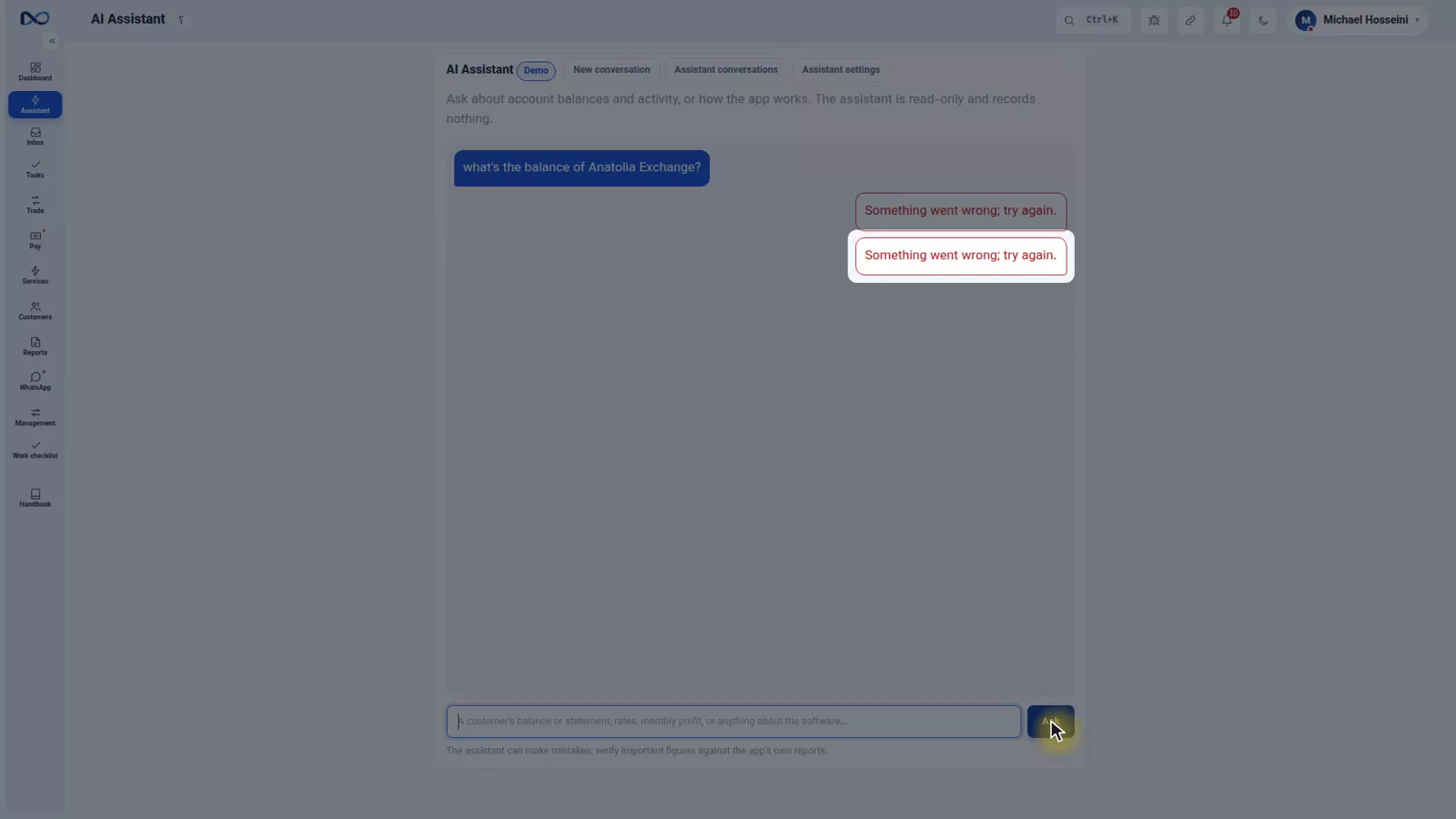
Notice that the balance arrives broken down by currency. The assistant knows that in an exchange office a balance is not a single number.
What happens behind the answer
Nexto has trained the assistant to work like a senior accountant who knows this software and your data. It reads the question, decides which report answers it — for a balance, the customer statement — runs it, and writes the answer in the language you asked in. It is the same thing you would have done, only faster. For a manager, the tools it used are listed under the answer, so you can see where the number came from.
A heavier question
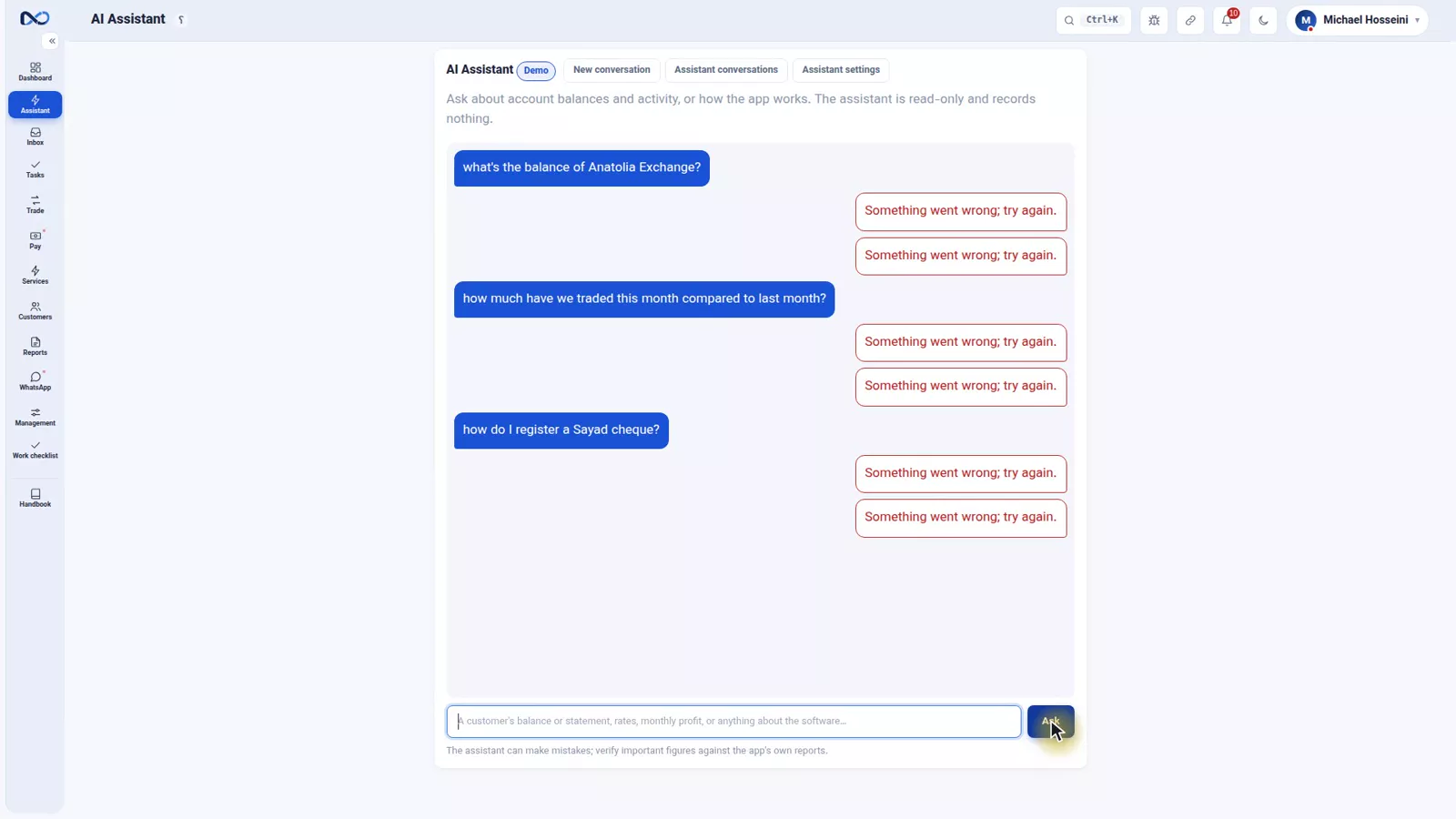
The same box takes harder questions, for example how much you have traded this month compared with last month. When the current month is not finished, the assistant compares the partial period against a daily average, so the answer does not mislead you. And if a question carries an assumption the data does not support, it says so rather than answering anyway.
Asking about the software itself
The assistant is not only about data. You can ask it how to do something in Nexto, the way you would ask an experienced colleague: how do I register a Sayad cheque?
The answer is built from Nexto's own help, not from general knowledge, so it is specific to this software rather than to accounting in general. For a new user this is the difference between calling someone over every time and finding out for themselves.
Conversations, feedback and cost
Conversations are saved. You can attach your next question to the same thread when it follows on from the last answer, or start again with a new conversation when you change subject. Under each answer you can say whether it was good or not, and that feedback is used to improve the assistant.
There is also a management view: in the assistant conversations list a manager sees who asked what, and how much each question cost. Every question to the assistant is a small paid service, so it is worth knowing the volume.
Reaching the assistant from WhatsApp
The same assistant can be reached from WhatsApp, which is what makes it useful when you are out of the office.
Connect a separate line
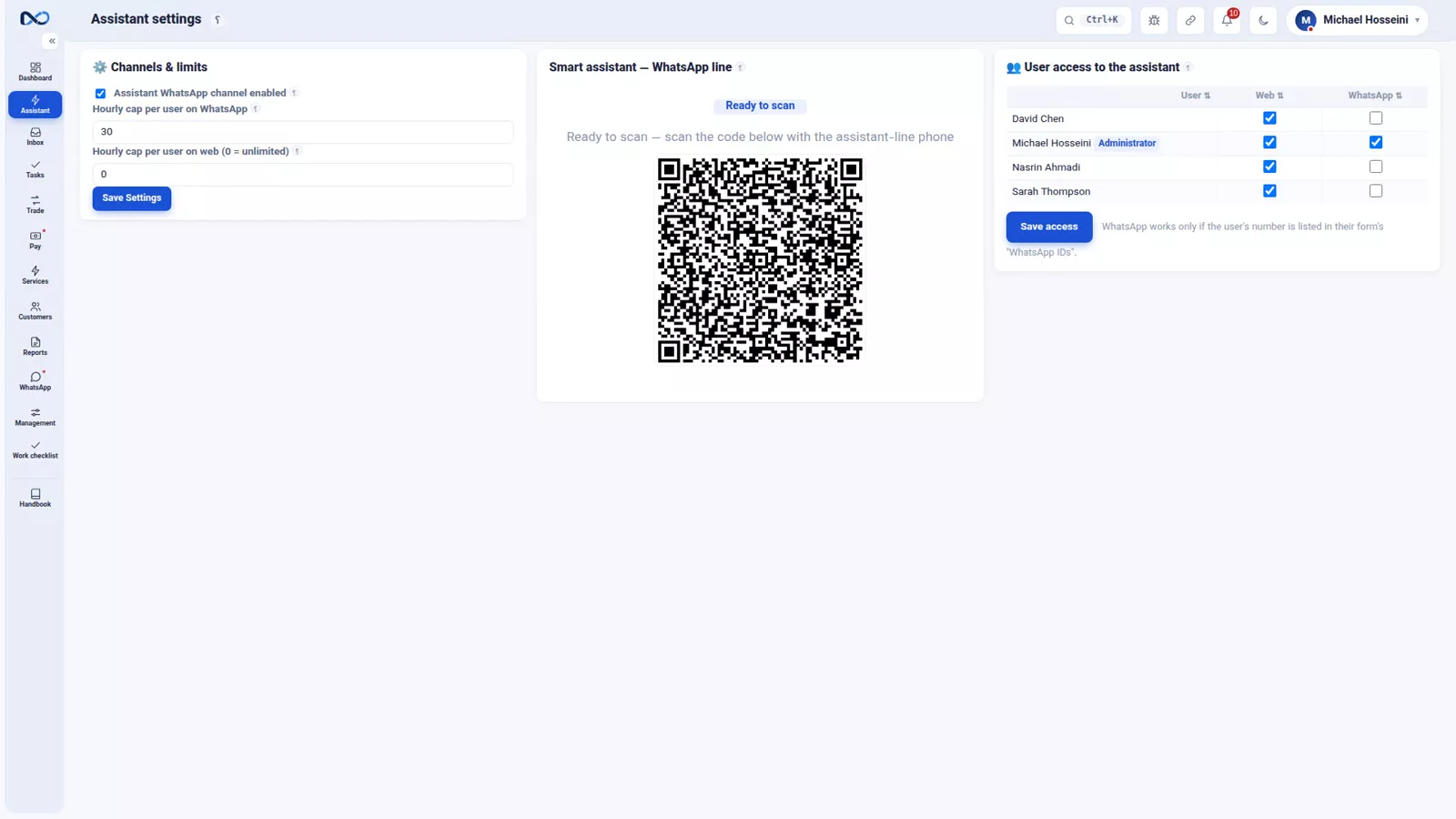
In the assistant settings you connect a WhatsApp line for the assistant — your own firm's number, separate from the lines your colleagues use for customer messages.
Only your own staff get an answer
Every message that arrives on that line has its sender's number checked first. If it belongs to a member of staff who is defined in Nexto with the WhatsApp assistant toggle switched on, they get an answer, limited to that user's own access. Any other number gets no answer at all.
So you can ask for a balance from your phone in the middle of the market, and a stranger who finds the number cannot.
Tips and warnings
- The assistant can make mistakes, and the software says so at the foot of the page. For finding a figure quickly, asking how to do something, or reviewing the day from your phone it is excellent.
- Any figure that is the basis of a decision or a payment should be checked against the report itself before you act on it.
- Permissions are the control, not the wording of the question. If a colleague should not see profit, take the permission off their user, not out of the prompt.
- Keep the assistant's WhatsApp line separate from the lines used to message customers, and switch the assistant toggle on only for the staff who need it.
- Each question is a small paid service, so check the conversations list from time to time to see the usage.
- If an answer looks odd, open the tools listed under it and run the same report yourself; that usually explains the difference.
Where to go next
This is the last episode of the WhatsApp and AI chapter, which began with WhatsApp groups, templates and the send queue — the same page where you connect the assistant's own line. Next comes the reports chapter, starting with the map of reports and exports, then where is the money. The report behind most balance questions is the customer statement and the portal, and the permissions the assistant obeys are set in users, permissions and two-step sign-in.
FAQ
Can the AI assistant change or delete anything in Nexto?
No. The assistant only reads: it posts no document, changes nothing and deletes nothing. The worst outcome of a question is an answer you do not find useful.
Will the assistant show a colleague figures they are not allowed to see?
No. It answers within the permissions of the user asking, so a user without the profit permission will not get profit figures from it, whatever language or wording they use.
Where do the assistant's answers come from?
For data questions it runs the same report you would have opened — a balance comes from the customer statement — and writes the result in the language you asked in. For how-to questions it builds the answer from Nexto's own help, so it is specific to this software.
Can I trust the numbers it gives me?
Use them for finding a figure quickly or reviewing the day, but check anything that will drive a decision or a payment against the report itself. The assistant can make mistakes, and Nexto says so at the foot of the page.
How do I use the assistant from WhatsApp?
In the assistant settings you connect a separate WhatsApp line for it. Messages are answered only when the sender's number belongs to a user defined in Nexto with the WhatsApp assistant toggle on; every other number is ignored.
Does each question cost anything?
Yes, every question to the assistant is a small paid service. The assistant conversations list shows a manager who asked what and how much each question cost.
Full video transcript
So far we've learned which page to open for each question. Now another way: don't search, ask. First, two rules. One: the assistant only reads; it posts no document, changes nothing and deletes nothing. The worst that can happen is that you don't like its answer. Two: it obeys your own access; a user who has no permission to see profit won't hear profit from the assistant either — in whatever language they ask. Let's try it. This is the assistant page: one box, one button.
The simplest everyday question at any exchange, a customer's balance. We ask in plain English, with no special format: what's the balance of Anatolia Exchange? And ask. It thinks for a few seconds — it's running the report — and the answer arrives. What happened behind the scenes? Nexto trained the AI to be a senior accountant who knows Nexto and your data. It understood the question, worked out which report to go to — the customer statement — ran it, and wrote the answer in your own language.
The same thing you would have done, only faster. And it gave the answer broken down by currency, because it knows that in an exchange a 'balance' is not a single number. For the manager, the tools it used are shown under the answer too. A heavier question: how much have we traded this month compared to last month? We ask. The assistant compares the partial period against a daily average so the answer isn't misleading. And if the question carries an assumption that the data doesn't support, it says so too.
The assistant isn't only about data; you can ask about the software itself too — like asking an experienced colleague. We ask: how do I register a Sayad cheque? It builds its answer from Nexto's own help, not from general memory; that is, it's specific to this software. For a new user, this means you don't have to call someone over every time. Conversations are saved: you attach the next question to the same thread, or start fresh with 'New conversation'.
Under each answer you can also say whether it was good or not — these help the assistant get better. And in 'Assistant conversations', the manager sees who asked what and how much each question cost — because every assistant question is a small paid service. You can reach this same assistant from WhatsApp too — and rest easy about its security. In the assistant settings you connect a separate WhatsApp line for the assistant, your own firm's number.
Every message that reaches this line first has its sender's number checked: if it's the number of one of your staff already defined in Nexto with their WhatsApp-assistant toggle on, they get an answer to the extent of that user's own access; any other number gets no answer at all. So from your phone, in the middle of the market, you ask for a balance — and no stranger can. And a last word, which the software itself prints at the foot of the page: the assistant can make mistakes.
For quickly finding a figure, asking how to do something, or reviewing the day from your phone, it's excellent; but any figure that is the basis of a decision or a payment, check it against the software's own report. To sum up: your AI senior accountant only reads, respects your access, answers from the data and the help, is reachable from WhatsApp too — only for your staff — and, check the important numbers. With this episode the WhatsApp and AI chapter is done; next chapter: reports — where the money is, who owes, where the profit is.
Try it yourself right now
A complete private demo with sample data — no installation, no credit card.
Create free demo