
The exchange health checklist
The daily, weekly and monthly checks that keep an exchange office healthy in Nexto: rates, inbox, cash, positions, aging, revaluation and closing.
Watch this video on: YouTube
This is the last episode of the course. Everything up to here was about what the software does. This one is about what the owner does, so that the accounts stay healthy.
Almost no accounting problem in an exchange office arrives all at once. They build up quietly: one receipt never booked, one stale rate on the board, one balance nobody checked. Three months later that becomes a long, hard night. The cure is not more work, it is a short list on a schedule: four things every day, three every week, five every month, and three with no date on them at all.
What you will learn
- The four daily checks, and what each one costs you if you skip it
- The three weekly checks that show where your risk and your slow money are
- The five monthly checks that close a month properly
- The three habits with no date on them, that simply have to be remembered
Every day: four checks
The daily list takes a few minutes. Do it at the same point every day, before the office gets busy.
Update the board rate
Start at the rate board and put today's numbers on it. An old board is not cosmetic: every trade is measured against the board, so a stale rate means the profit on every trade booked that day is worked out wrong.
Empty the inbox
Every message still sitting in the inbox is a voucher that has not been booked. Work it down to nothing, or the books quietly fall a week behind the real business.
Read the cash book against the money
Compare the cash book with a real count of the cash in the till. This is the check that catches a mistake the same day it was made, while somebody still remembers the transaction.
Check the receipts awaiting collection
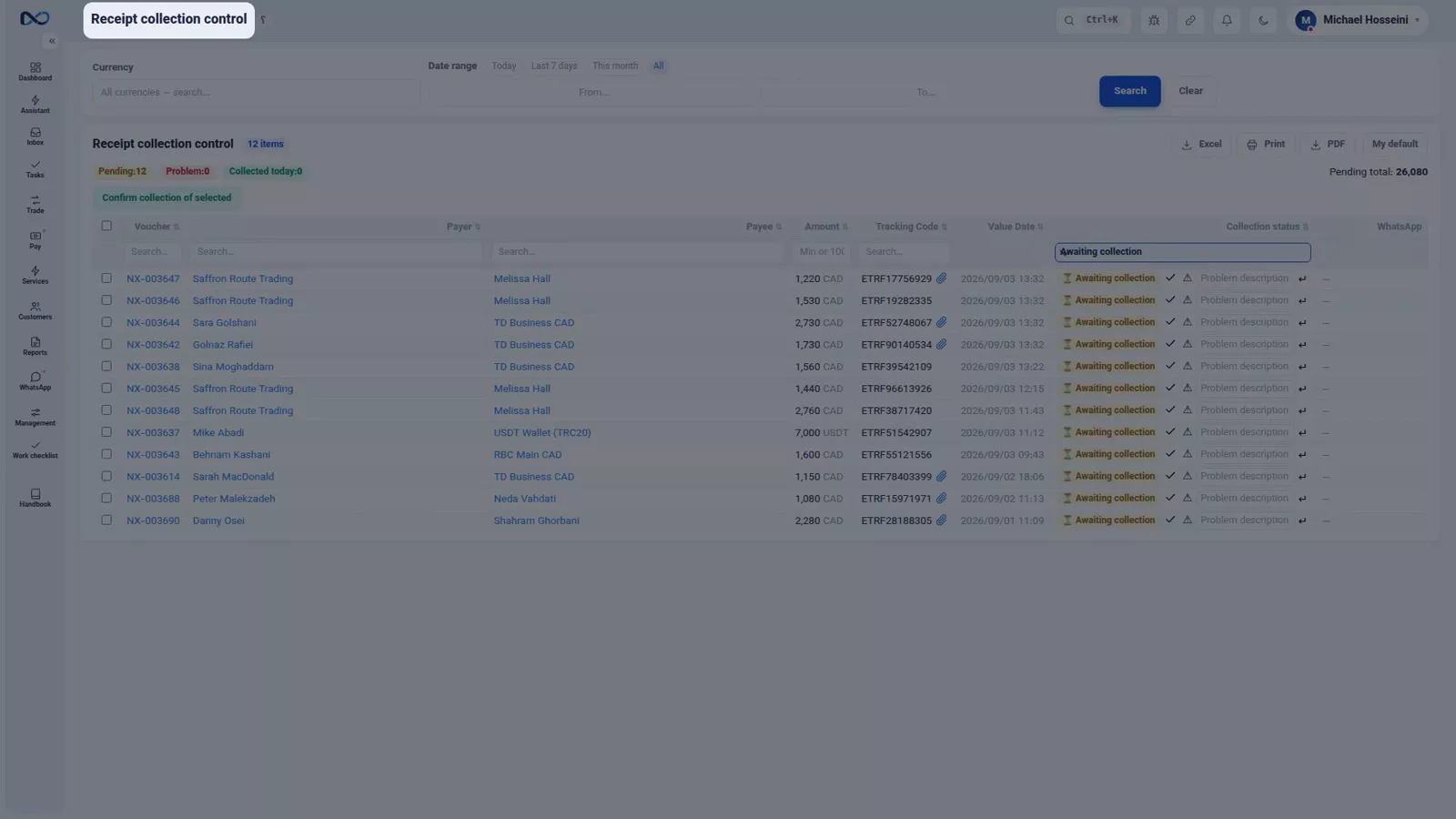
Last, look at the receipts still waiting to be collected: amounts you have recorded but not yet received. Who owes you covers that list in detail.
Every week: three checks
Look at your currency positions
The positions report shows how much of each currency you hold and how open you are. If the rate moves, your profit or loss comes from exactly here: this is your risk, in one number.
Read the aging report from the oldest column
Open the aging report for debtors and read it from the oldest column, not the newest. The money outstanding longest is least likely to arrive, and it is the part that needs a decision this week.
Clear open tasks and flagged vouchers
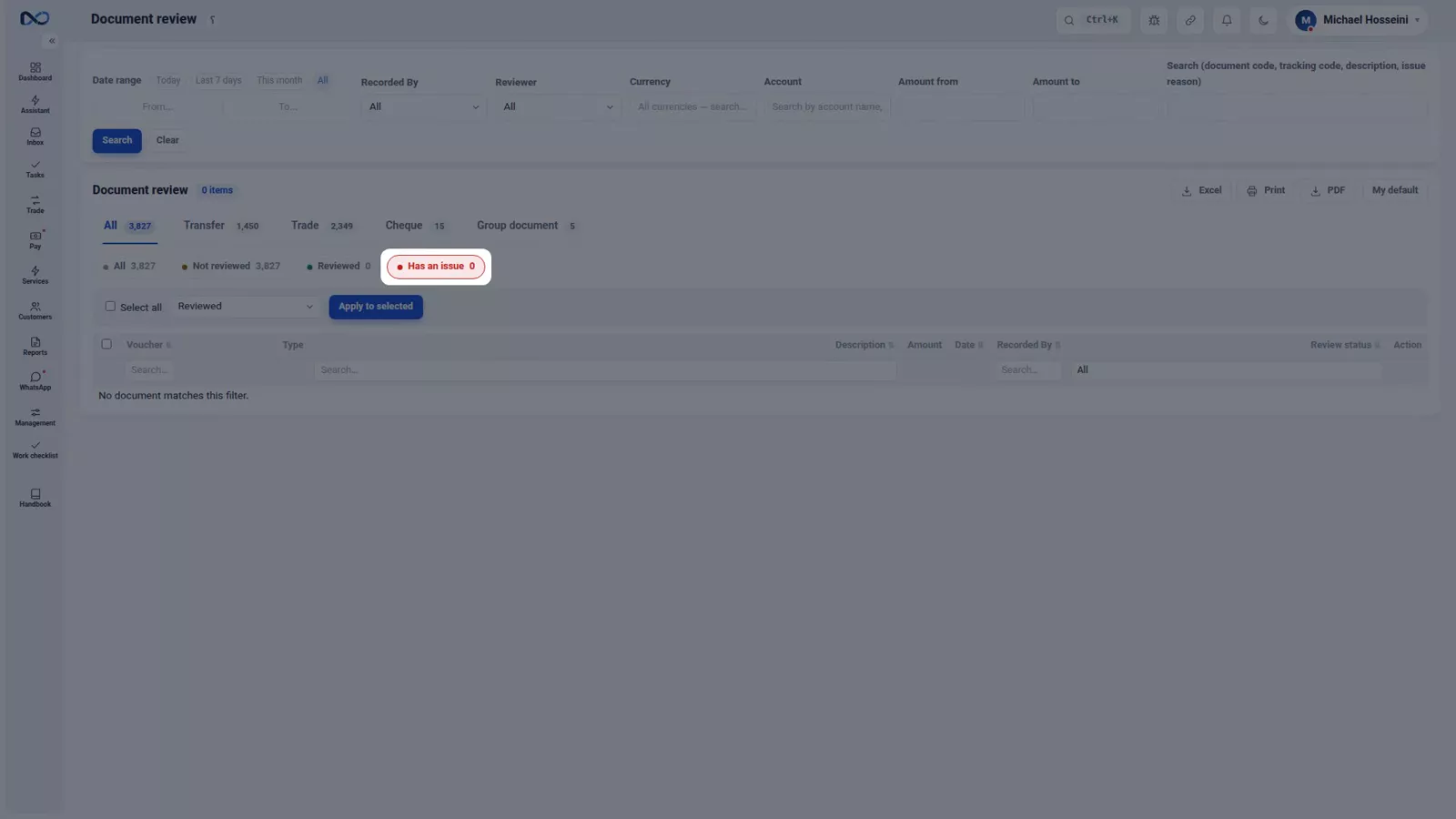
Then go through open tasks and the vouchers somebody flagged for review, so nothing is left behind. Tasks and document review explains both lists.
Every month: five checks
Here the work gets more serious, so set aside real time for it.
Revalue the foreign-currency balances
Revalue the foreign-currency balances at the month-end rate, or confirm the nightly run did it. Without this the ledger still carries old rates.
Read the profit and loss for that month
With the revaluation done, read the profit and loss for the same month. The order matters: reading profit first means reading it at the wrong rates. Where is the profit breaks that number down.
Check the trial balance
Then the trial balance, as the arithmetic check on everything above it.
Reconcile with your main customers
Reconcile with your largest customers. This is the item people put off and should not: a difference one month old is settled in ten minutes, one a year old perhaps never. The customer statement and the portal is where that conversation happens.
Close the period
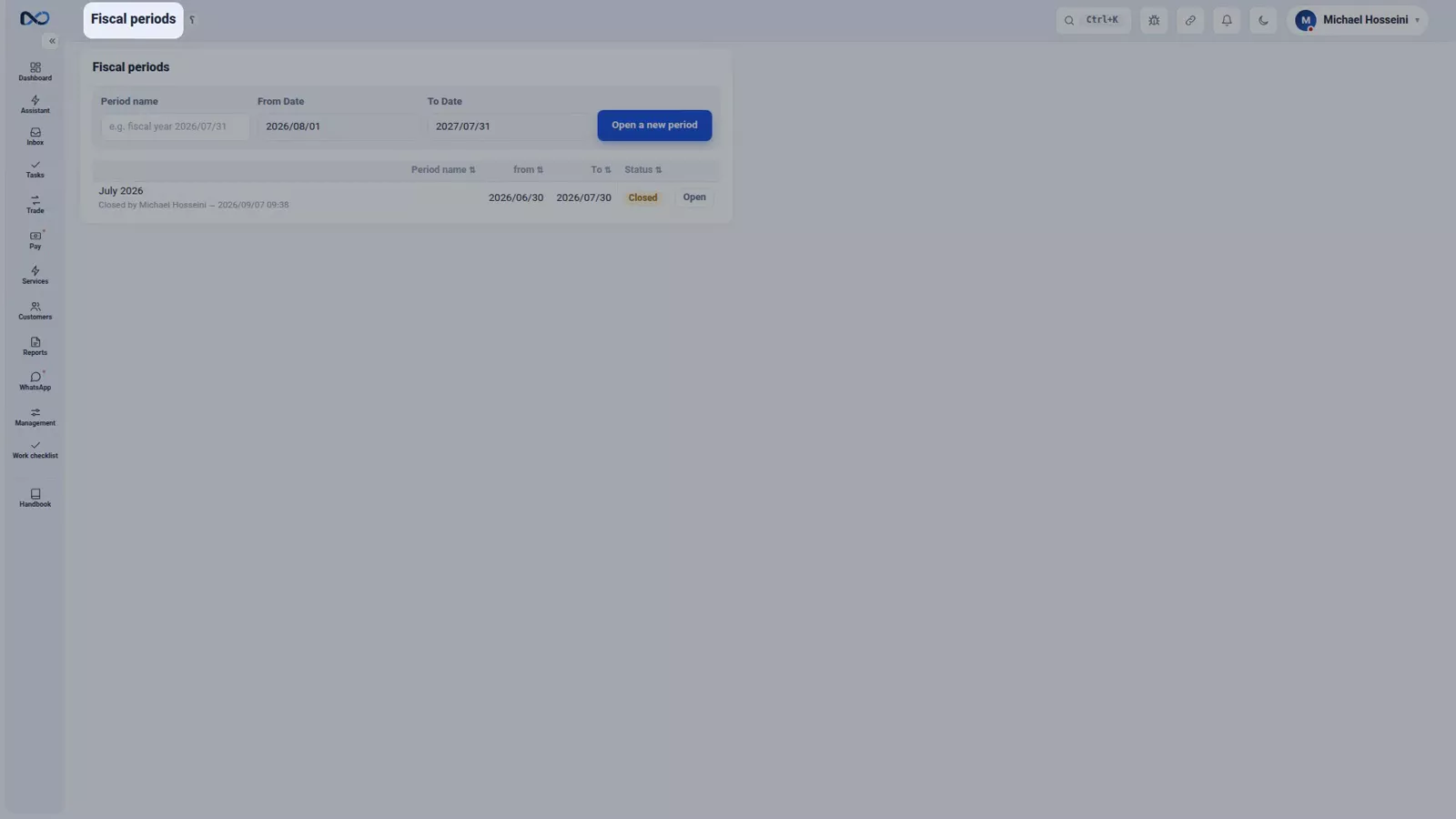
Finally, close the period, so nothing in a finished month can be touched afterwards.
Three things with no date on them
- Backup on, with one copy off the server. Automatic backups run, but a copy that never leaves the machine is not a second copy.
- Permissions as they should be. Anyone who has left the office deactivated, and the owner on two-step sign-in.
- The activity log, read now and then. Not as an investigation, just a habit of knowing what changed and who changed it.
All three are covered in backup, restore and support and users, permissions and two-step sign-in.
Tips and warnings
- Do the daily four at a fixed time. A checklist that moves around the day is a checklist that gets skipped.
- Never leave yesterday's board rate in place; it silently misprices the profit on every trade booked today.
- Every page has its own help behind the question-mark button next to the page title, so you never have to memorise a step.
Where to go next
That is the end of the course. If you came from the first episode all the way to here, you do not just work with Nexto: you know where every number comes from, and that is the difference between having software and having your accounts in hand.
Keep this checklist by your desk and go back to the episode behind each line when you need it — the rate board and its guards for the daily rate, where is the money for cash and positions, FX revaluation and closing the period for the month end, and the customer statement and the portal for reconciliation. The full list is on the course page, and you can try any of it in the demo. Thank you for coming along this far.
FAQ
What should I check in my exchange office every day?
Four things: update the board rate, empty the inbox so no voucher is left unbooked, read the cash book against a real count of the cash, and check the receipts awaiting collection. Together they take a few minutes.
What do I do weekly?
Three things: look at your currency positions to see how much of each currency you hold and how open you are, read the debtor aging report from the oldest column, and clear open tasks and flagged vouchers.
What belongs to the monthly routine?
Five items: revalue the foreign-currency balances at the month-end rate or confirm the nightly run did it, read the profit and loss for that month, check the trial balance, reconcile with your main customers, and close the period.
Where do I find help for a page I have forgotten?
Every page has its own help behind the question-mark button next to the page title, and the course episodes stay available at /learn at any time.
Full video transcript
We have reached the last episode of the course. Up to here we learned what the software does; this episode is about what the owner does, so that the accounts stay healthy. Because most accounting problems do not appear all at once; they build up quietly: one receipt never booked, one stale rate, one balance nobody checked — and three months later it turns into a long, hard night. The daily list has four items and takes only a few minutes. First: update the board rate — an old board means the profit on your trades is worked out wrong.
Second: empty the inbox — every message left sitting there is a voucher not booked. Third: read the cash book against a real count of the money. Fourth: check the receipts awaiting collection. Four jobs, a few minutes — every day. The weekly list has three. Currency positions: how much of each currency you hold, and how open you are — if the rate moves, the profit or loss comes from right here. The aging report for debtors, from the oldest column.
And open tasks and flagged vouchers, so they do not get left behind. Three jobs, once a week. The monthly list has five, and here the work gets more serious. Revaluation of the foreign-currency balances at the month-end rate — or make sure the nightly run did it. Profit and loss for that same month. The trial balance. Reconciliation with your main customers — because a one-month difference you settle in ten minutes, and a one-year difference perhaps never.
And closing the period, so that nothing in a closed month can be touched. Five jobs, once a month. And three things with no date on them: the backup switched on, with one copy off the server; the permissions kept as they should be — whoever has left deactivated, the owner on two-step sign-in; and the activity log looked over now and then. These three take no time; you only have to remember them. And this is the end of the course. If you have come all the way from the first episode to here, you do not just work with Nexto now — you know where every number you see comes from, and that is the difference between someone who has software and someone who has their accounts in hand.
Keep this checklist next to your desk; the help for each page is always there too, behind the question-mark button next to the page title. Thank you for coming along this far.
Try it yourself right now
A complete private demo with sample data — no installation, no credit card.
Create free demo